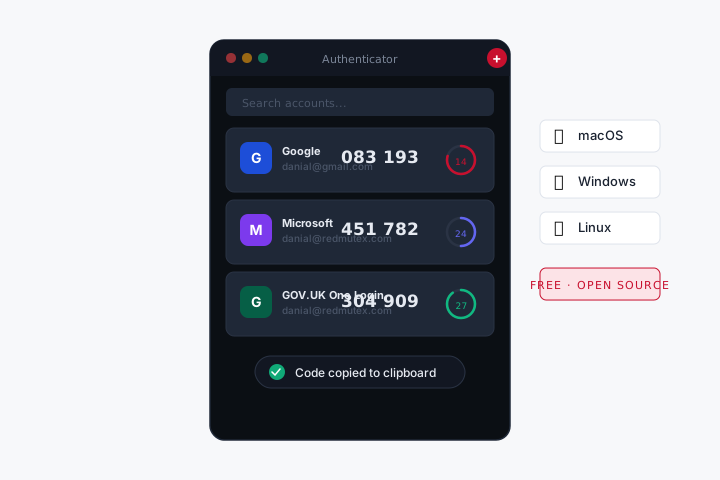
AUTHENTICATOR
Your 2FA codes, on your desktop — always one click away.
Stop picking up your phone every time a site asks for a verification code. RedMutex Authenticator runs natively on macOS, Windows, and Linux, and keeps all your TOTP secrets encrypted on your own machine.
How to add an account
- Paste a QR code — copy the QR image from your browser, press ⌘V in the app. Done.
- Scan with camera — point your webcam at the QR code on-screen.
- Enter a setup key — type the alphanumeric key a site gives you as an alternative to QR.
Why teams use it
- Desktop-first — no phone required, no cloud sync, no account to create.
- Zero-dep encrypted storage — AES-256-GCM, machine-derived key, nothing leaves your device.
- Open source (MIT) — audit it, fork it, run it offline forever.
- Native on every platform: DMG for Mac, NSIS installer for Windows, AppImage + deb for Linux.